
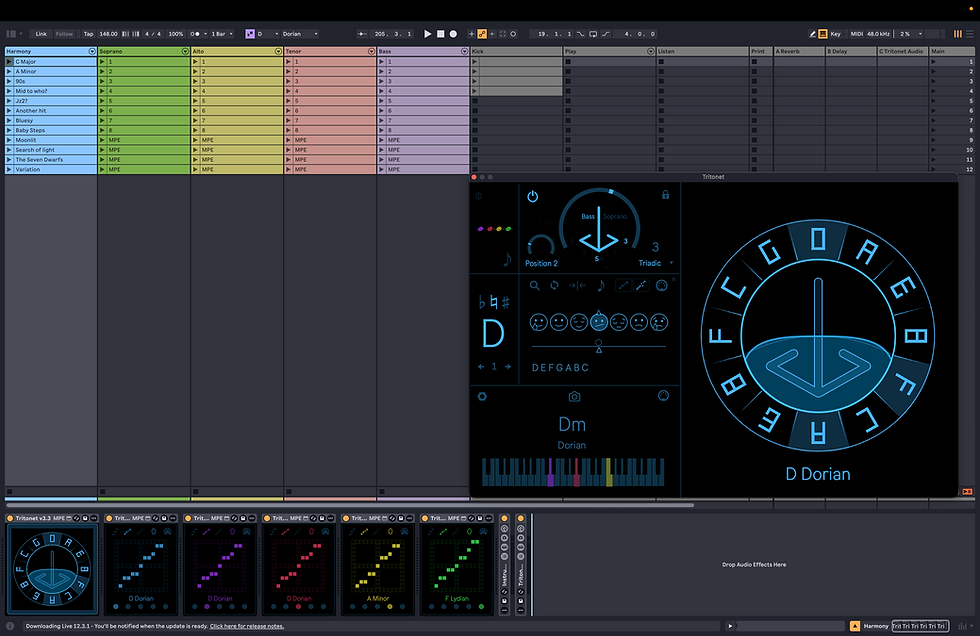
Tritonet is a harmony engine that communicates across your entire Ableton Live set. Instead of working on a single track, it enables dynamic harmonic change at the project level.
Built around the Circle of Fifths, Tritonet turns harmony into an interactive visual map rather than a static theory chart. As you move through the circle, harmonic relationships update in real time.
Tritonet lets you build chord progressions as harmonic models. Its polyphonic chorder generates four-voice chords with dynamic voice leading, allowing each track to follow an individual voice of the chord, such as soprano, alto, tenor, or bass.
With a library of around 600 scales, key and scale changes propagate fluidly across MIDI and audio tracks. Harmony is defined once and shared system-wide.
By separating harmony from notes, Tritonet allows MIDI to adapt dynamically and audio to gain harmonic awareness. Harmony becomes something you navigate and shape continuously, not a fixed decision locked into individual clips.

How to use

Place Tritonet on its own MIDI channel. This channel becomes the harmony source that sends out harmonic information.

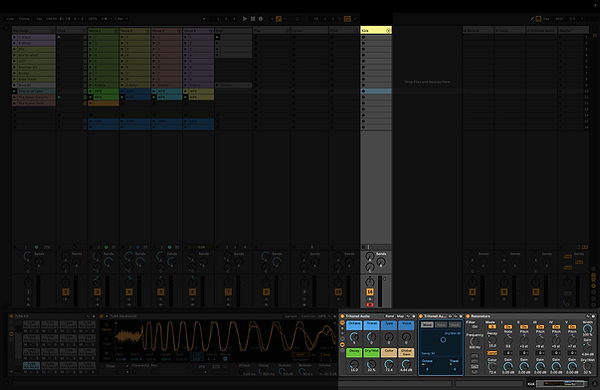
Add a MIDI Receiver to any MIDI track you want to follow that harmony. Pick a voice to follow.
All MIDI effects with "Scale Awareness" will work. Place the receiver as the last MIDI device before the VST instrument to ensure accurate pitch output.
Add a Resonator module to an audio track
